
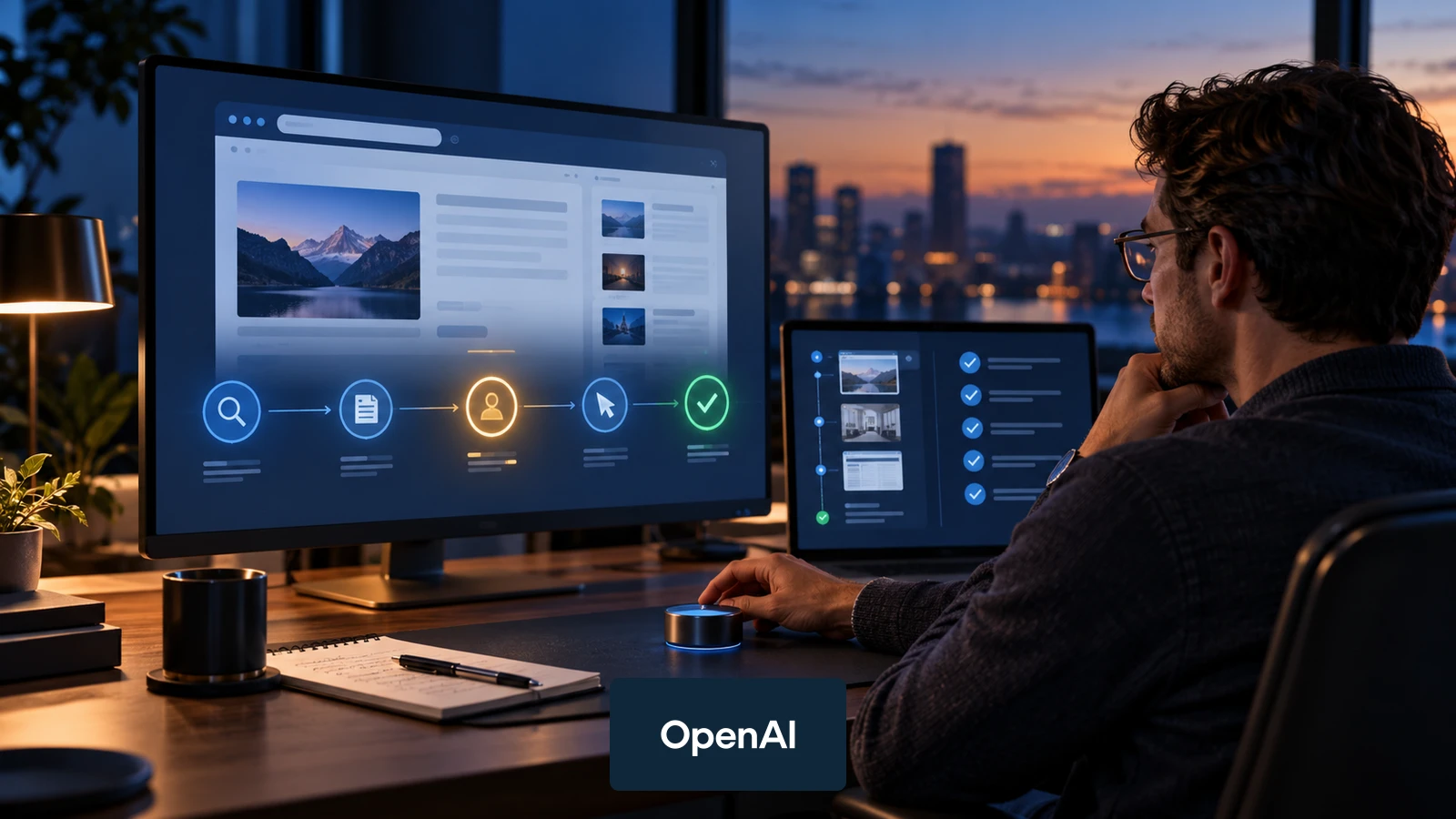
OpenAI has added computer use to the Agents API, giving developers a managed way to let an agent operate an OpenAI-hosted browser. The important shift is not simply that an agent can click and type. It is that browser work can now live inside a durable agent session with explicit website access requests, sign-in handoffs, recovery and review.
The feature appeared in OpenAI's official API changelog on September 29, 2026, the same day as OpenAI DevDay. OpenAI's documentation says computer use can support tasks such as testing a website, collecting information or using an application through its interface.
For teams building production agents, the immediate question is not, "What can we automate?" It is, "Which browser steps can we bound, observe and verify safely?"
What changed
Computer use is now available as a tool in the Agents API. The agent works inside an OpenAI-hosted browser rather than a user's personal browser. Your application creates the browser session, follows its events, handles website access requests and manages sign-in when an account is required.
OpenAI documents a 5-part operating loop:
- Create a browser session and retain its session ID.
- Follow session events and send the agent a defined task.
- Handle website access requests and any required sign-in.
- Wait for the turn to finish, then verify the result. If the connection drops, recover the existing session before retrying.
- Review saved browser activity and delete the session when the work is complete.
This is more structured than handing a model a browser and hoping it reaches the right outcome. The application still owns access decisions, authentication and final acceptance.
Website access approval is not confirmation for each action. OpenAI cautions that guaranteed approval before purchases or destructive changes requires restricting the hosted browser to resources that cannot perform them, or using a browser runtime you control. Asking the agent to call an approval function is not itself an enforcement boundary.
Why this matters for production workflows
The Agents API launched in public beta on September 10 with managed sessions, context compaction, recovery, hosted sandboxes and connections to tools. Computer use extends that managed environment to browser interfaces.
That can be useful when a task depends on a website that does not expose the required operation through a stable API. Examples include testing a user journey, collecting information from a permitted source or completing a bounded step inside a web application.
It does not make every browser workflow a good automation candidate. Interfaces change. Pages can contain misleading instructions. Authentication introduces sensitive data. A visually completed action may still produce the wrong business outcome.
The control loop to design before you automate
Use the browser tool as one stage inside a controlled process:
| Stage | Application responsibility | Evidence to retain |
|---|---|---|
| Define | State the exact task, allowed sites, permitted actions and stop conditions | Task brief and policy version |
| Approve | Decide which website access and consequential actions require human approval | Approval event and actor |
| Authenticate | Keep credentials outside the prompt and handle sign-in through the approved path | Session reference, not the secret |
| Observe | Follow session events and detect stalls, unexpected pages or access requests | Event log and screenshots where appropriate |
| Verify | Check the final state against explicit acceptance criteria | Result record and reviewer decision |
| Close | Review activity and delete the browser session when retention is no longer required | Closure time and deletion status |
These are application-design recommendations, not guarantees provided by the browser tool.
A practical first use case
Start with a reversible task on a test environment. For example, ask an agent to open a staging site, move through a known checkout flow and report where the experience diverges from a written test case.
Define success before the run:
- The agent may access only the staging domain.
- It may use synthetic customer data only.
- It must stop before any real charge or external message.
- It must capture the observed page state at each checkpoint.
- A human reviewer decides whether the test passed.
This produces a useful result without granting the agent broad access or allowing it to make an irreversible decision.
When an API is still the better choice
Prefer a direct API when the required operation is stable, documented and available. APIs usually provide clearer inputs, outputs and error states than a visual interface.
Computer use is most defensible when all 4 conditions are true:
- The required action is available only through a user interface, or an API does not cover the necessary step.
- The task can be limited to a small set of sites and actions.
- The application can pause for approval before sensitive or consequential steps.
- The result can be independently verified.
If one of those conditions is missing, reduce the scope or keep the task manual.
What remains uncertain
OpenAI's documentation defines the operating model, but real reliability will depend on the websites involved, the task, the agent configuration and the acceptance checks around it. Availability, pricing, supported models and interface behavior can change. Verify current documentation before designing a production rollout.
The launch also arrives during wider scrutiny of increasingly autonomous agents. Associated Press reported that OpenAI discussed greater investment in safety, security and monitoring at DevDay, while Axios noted that browser-capable agents still need clear user boundaries and attention requests. Those reports provide context, not proof that any individual workflow is safe.
What to do now
For teams already using the Agents API:
- Choose one low-risk browser task in a staging environment.
- Write allowed domains, actions, data and stop conditions before implementation.
- Add explicit website access and consequential-action approvals.
- Keep authentication out of prompts and logs.
- Define acceptance criteria that another person or system can check.
- Test session recovery before relying on retries.
- Review activity and close the session deliberately.
The useful advance is not an agent that can browse anywhere. It is a browser workflow that stays inside a clear boundary, asks for help at the right moments and leaves enough evidence for someone to verify what happened.
For a reusable task boundary and launch checklist, use The AI Agent Blueprint. Before publishing the results of a browser task, follow the AI claim verification workflow.
Sources
- OpenAI API Changelog, computer use added to the Agents API on September 29, 2026.
- OpenAI: Computer use in the Agents API, reviewed September 30, 2026.
- OpenAI DevDay 2026, event held September 29, 2026.
- Associated Press: OpenAI CEO announces agent Dots, GPT-6.1 Sol and other updates, published September 29, 2026.
- Axios: OpenAI launches dots AI assistant, published September 29, 2026.