
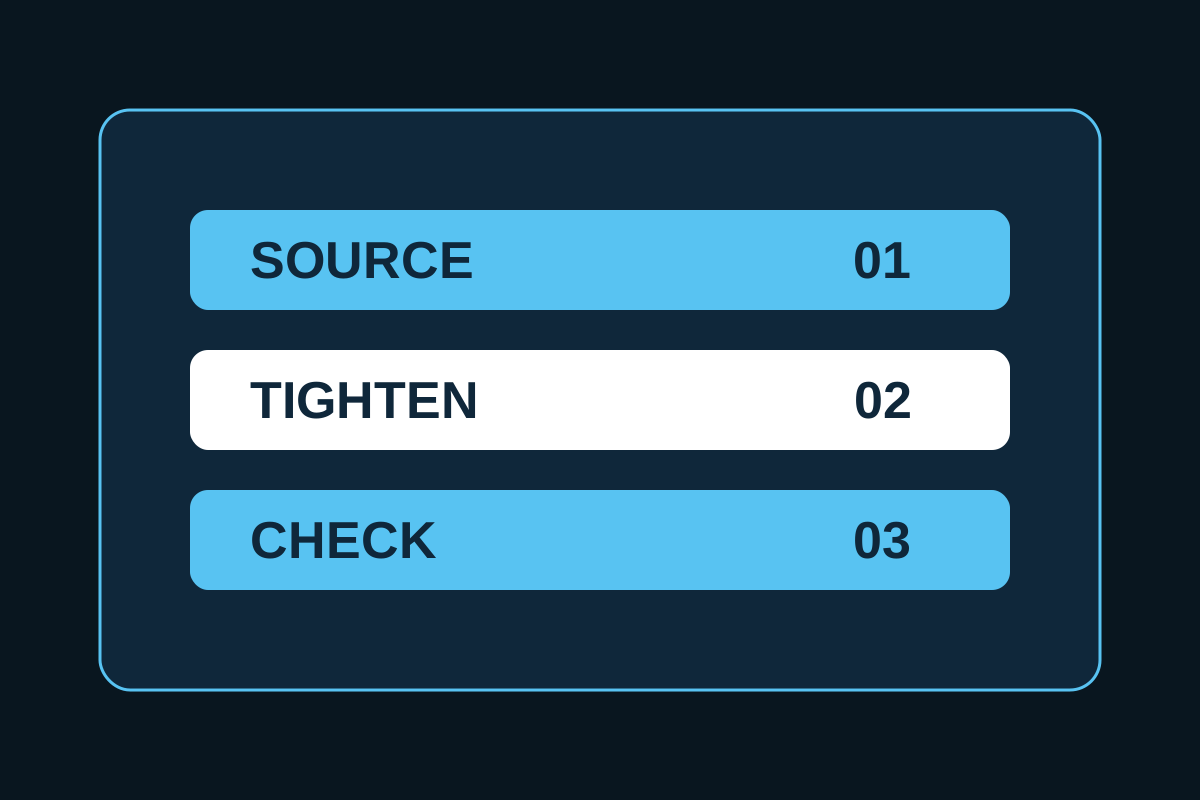
Create a small instruction contract for one conversation, then test whether each label performs its own job without changing facts.
These labels are not secret commands, product features, or permanent memory. They are shorthand that you explicitly define in the current conversation. In a new conversation, paste the definitions again.
Downloads: Prompt-shortcut setup file · Expected-versus-observed test sheet
1. Paste the setup block
Save this as nexaium-shortcuts.txt:
For this conversation, use these labels as shorthand for the instructions below. If required input is missing, ask for it.

SOURCE
Use only the supplied sources. Link each factual claim to its supporting passage. Mark unsupported claims.

TIGHTEN
Shorten the supplied text while preserving its facts, limits, quantities, audience, dates, and tone. Do not add claims.

CHECK
Flag unsupported claims, contradictions, scope changes, and missing inputs. Suggest corrections without treating them as verified.

When I use a label, restate the input you received and stop if its required material is missing.
2. Know what each label needs
| Label | Required input | Output | Stop condition |
|---|---|---|---|
| SOURCE | Source text plus the claims or draft to check | Claim-to-passage mapping and unsupported items | A required source is missing or cannot support the claim |
| TIGHTEN | The exact text to shorten plus any length or format limit | A shorter version with the same factual boundary | The text contains a claim that cannot be preserved safely |
| CHECK | Draft, relevant sources, and acceptance rules | Problems, reasons, and proposed corrections | The proposed correction needs evidence that was not supplied |
TIGHTEN is an editor, not a fact-checker. It can preserve a bad claim if you give it one. Use CHECK with the relevant sources before approval.
CHECK identifies problems and proposes narrower language. Its proposed correction is still a draft until a human verifies the source.
3. Worked example
All names, quantities, dates, and outputs in this section are illustrative. They are edited examples, not results from an independent model benchmark.
Source A
Pilot access is available to 20 invited teams.Source B
The public launch date is not confirmed.Base paragraph
The pilot is available to 20 invited teams. The date for a public launch has not been confirmed.SOURCE example
Input:
SOURCE

Sources:
A: Pilot access is available to 20 invited teams.
B: The public launch date is not confirmed.

Draft:
The pilot is available to 20 invited teams. The date for a public launch has not been confirmed.
Expected illustrative output:
| Draft claim | Supporting passage | Status |
|---|---|---|
| The pilot is available to 20 invited teams. | Source A: “Pilot access is available to 20 invited teams.” | Supported |
| The date for a public launch has not been confirmed. | Source B: “The public launch date is not confirmed.” | Supported |
TIGHTEN example
Input:
TIGHTEN

The pilot is available to 20 invited teams. The date for a public launch has not been confirmed.
Expected illustrative output:
20 invited teams have pilot access; public launch timing is unconfirmed.The shorter version keeps the quantity, audience limitation, and unknown timing. It does not add availability, performance, or urgency.
CHECK example
Problem draft:
The feature is available to everyone and launches publicly next Friday.Input:
CHECK

Sources:
A: Pilot access is available to 20 invited teams.
B: The public launch date is not confirmed.

Draft:
The feature is available to everyone and launches publicly next Friday.
Expected illustrative output:
everyonecontradicts the limit of 20 invited teams.next Fridayis unsupported because no public launch date is confirmed.- Proposed correction:
Pilot access is available to 20 invited teams; public launch timing is unconfirmed. - Review status: correction requires human comparison with Sources A and B before use.
4. Test in a new conversation
Open a new conversation so the test does not rely on earlier context.
- Paste the setup block.
- Paste Sources A and B.
- Run each label with the matching input.
- Compare the observed output with the expected behavior, not exact wording.
- Record any missing quantity, widened audience, invented date, or unsupported correction.
- Revise the definition and test again.
Use the CSV supplied with this guide:
| Label | Test input | Expected behavior | Observed output | Deviation | Definition change | Retest status |
|---|---|---|---|---|---|---|
| [SOURCE/TIGHTEN/CHECK] | [PASTE] | [PASS CONDITIONS] | [PASTE] | [LIST] | [EDIT] | [PASS/REVISE] |
Final checklist
- [ ] The setup states that labels apply to this conversation.
- [ ] Missing inputs cause a question or stop.
- [ ] SOURCE links every factual claim to supplied evidence.
- [ ] TIGHTEN preserves quantities, audience, dates, limits, and tone.
- [ ] CHECK distinguishes a detected problem from a verified correction.
- [ ] Facts remain separate from inference.
- [ ] A human reviews the final output.
- [ ] Definitions are pasted again in every new conversation where they are needed.
Continue on NEXAIUM
When a shortcut becomes useful across repeated projects, turn its inputs, outputs, and refusal rules into a documented process with Build a Claude Code Skill.