
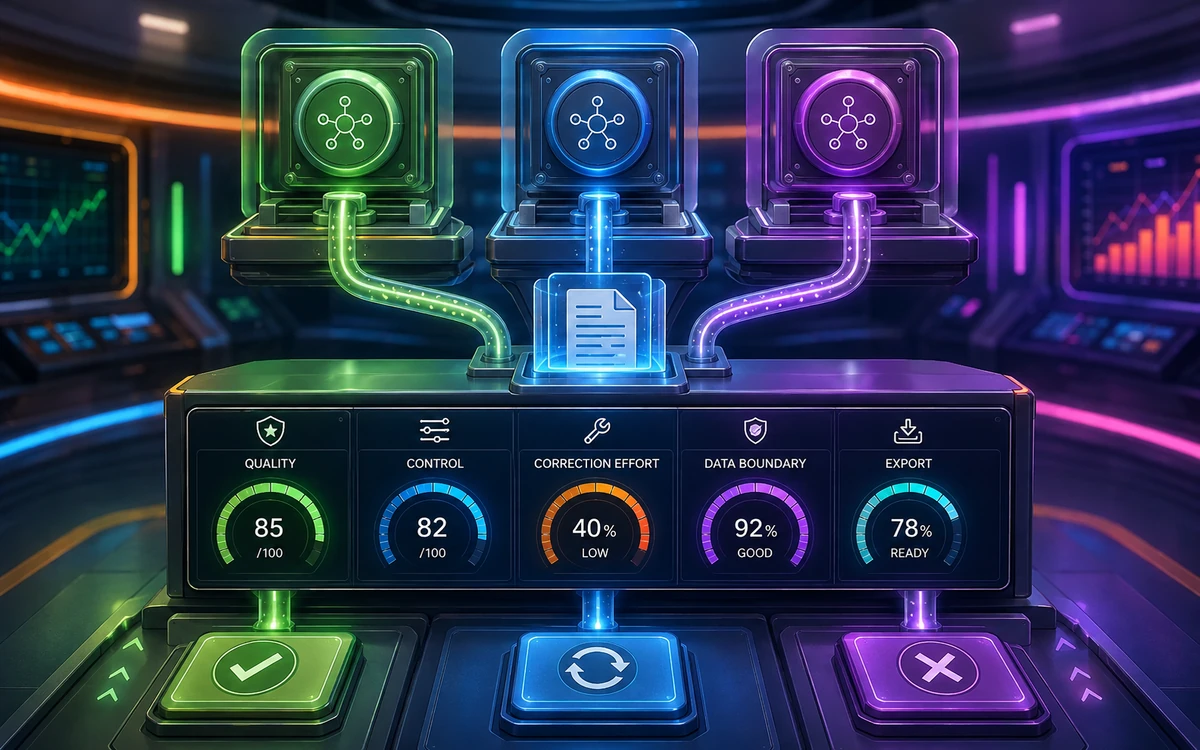
Choose AI tools by the job they can complete in your real workflow, then keep only the tools that pass a controlled trial.
For: professionals and small teams comparing AI subscriptions, replacing an older tool, or formalizing an informal AI workflow.
You will finish with: a 3-tool shortlist, a test task for each tool, and an adoption record based on quality, control, and correction effort.
The rule: compare tasks, not brand names
Most AI tools can draft text. That does not make them interchangeable. The useful question is whether a tool can complete a specific task with the context, controls, evidence, file formats, and review process you need.
Before opening a tool, prepare one representative task:
Task:
Approved input:
Required output:
Must preserve:
Must not invent:
Pass conditions:
Maximum acceptable correction time:
Data or rights constraints:
Use the same input when comparing tools for the same capability. Do not compare a polished result from one tool with a vague first prompt in another.
Shortlist by capability
| Need | Best first trial | Also consider | Do not start with |
|---|---|---|---|
| Persistent writing or analysis context | Claude Projects | ChatGPT Projects | A new chat for every draft |
| Spreadsheet exploration | ChatGPT Data Analysis | Gemini with uploaded files | Manual copying of isolated rows |
| Current web research | Perplexity Pro Search | Gemini Deep Research | An uncited answer treated as evidence |
| Internal knowledge retrieval | Notion AI | Claude Projects | A public web search for private facts |
| Fast branded layouts | Canva Magic Design | Gemini image generation | Publishing an untouched generated design |
| Narration and voice production | ElevenLabs | Human recording workflow | Cloning a voice without rights and consent |
| Generative video exploration | Runway | Canva AI video tools | Final campaign production without shot review |
| Multi-app operations | Make | Zapier | Automating an unstable manual process |
| Repository-level coding | Cursor Agent | A coding model in your existing editor | Merging changes without tests and diff review |
| Interface prototyping | v0 | Replit or local code prototype | Treating generated UI as production-ready |
| Ongoing source monitoring | Feedly AI | Curated newsletters and alerts | Broad keyword feeds with no intelligence question |
The 12 profiles below are evaluation guides, not universal rankings. Plan access and features change. Each factual capability statement links to an official source checked on 2026-09-04.
1. Claude: long-running document work
Best first trial: create a project for one recurring document, add the approved source material, set explicit writing rules, and request a revised draft plus a change summary. Claude Projects can hold chat history, project instructions, and uploaded knowledge. Official Anthropic reference
Use it when: the work depends on a stable body of context and repeated refinement, such as a policy guide, research synthesis, or editorial system.
Watch for: confident language that is not supported by the supplied files, lost nuances between revisions, and access differences between plans.
Pass if: the result follows the project rules, cites or identifies the supplied evidence, preserves approved language, and needs less correction than your current method.
Skip for now if: the task is a one-off lookup and maintaining project context would add more work than value.
2. ChatGPT: code-backed data exploration
Best first trial: upload a clean spreadsheet and ask for one summary table, one chart, and the calculation used for a key number. ChatGPT's data analysis supports common structured file types and can run code for calculations, transformations, and charts. Official OpenAI reference
Use it when: you need exploratory analysis in plain language but still want to inspect the method.
Watch for: ambiguous date fields, mixed units, missing values, unrequested extrapolation, and conclusions that overstate correlation.
Pass if: a manual calculation reproduces the key metric, the chart uses the correct denominator and time range, and the output explains its assumptions.
Skip for now if: the dataset is not approved for upload or the decision requires a governed statistical workflow beyond an exploratory review.
3. Gemini: research across Google-linked sources
Best first trial: run one Deep Research request with a narrow question, review the proposed plan, and limit sources to the web or selected Google data that you are authorized to use. Gemini Deep Research can use Google Search and, when connected and available, sources such as Gmail or Drive. Official Google reference
Use it when: the work already lives in Google's ecosystem and a research report must combine current public material with selected internal context.
Watch for: accidental inclusion of personal account data, uneven source quality, and features that vary by account, plan, or workspace policy.
Pass if: the report answers the original question, its source list is reviewable, and each recommendation can be separated from the supporting evidence.
Skip for now if: the required Google sources cannot be connected under your organization's access rules.
4. Perplexity: source discovery for current questions
Best first trial: ask a current question with an explicit date range and require primary sources. Export a claim ledger instead of accepting a narrative summary. Perplexity Pro Search provides linked citations and supports follow-up refinement. Official Perplexity reference
Use it when: speed of source discovery matters and you are prepared to open the underlying pages.
Watch for: a citation that is related but does not prove the sentence, summaries that mix old and new information, and weak sources outranking primary documentation.
Pass if: at least 80% of the useful claims are supported by sources you would cite directly, with unsupported items clearly removed or labeled.
Skip for now if: you need exhaustive legal, medical, or scientific review and do not have a qualified reviewer for the final interpretation.
5. Notion AI: knowledge inside a working database
Best first trial: add 10 representative pages to a database and configure one Autofill field for summaries or categorization. Notion documents Basic Autofill for summarizing, extracting, translating, and tagging page content, while more advanced variants can use broader context when enabled. Official Notion reference
Use it when: your team already stores useful source material in Notion and wants structure applied where the work lives.
Watch for: weak source pages, inconsistent categories, permission boundaries, and treating generated fields as verified records.
Pass if: the field is correct on 9 of 10 representative pages, exceptions are easy to spot, and the database remains understandable without the AI output.
Skip for now if: the workspace is poorly maintained or the source of truth lives elsewhere.
6. Canva Magic Design: first-pass branded layouts
Best first trial: supply one approved headline, one body paragraph, 2 brand colors, a required image, and the intended format. Canva says Magic Design suggests templates based on supplied content and lets users customize the resulting layouts. Official Canva reference
Use it when: you need several layout directions quickly and a human designer or editor will select and refine one.
Watch for: altered wording, inaccessible contrast, weak hierarchy, Pro library elements, crop problems, and visual sameness.
Pass if: one generated direction can be made brand-compliant in less time than starting from a blank canvas, with all rights and export settings confirmed.
Skip for now if: the design depends on precise art direction, complex data visualization, or a protected production template.
7. ElevenLabs: controlled narration tests
Best first trial: generate a 30-second narration from approved copy using a permitted library voice or your own verified voice. ElevenLabs provides text-to-speech and several voice options, including generated and cloned voices. Official ElevenLabs reference
Use it when: you need narration variants, localization tests, or a draft audio track before final production.
Watch for: voice rights, pronunciation, emotional mismatch, disclosure requirements, and fabricated celebrity-style requests. Professional Voice Cloning is restricted to the user's own verified voice. Official cloning policy reference
Pass if: every word is intelligible, names are pronounced correctly, the voice is authorized, and the delivery matches the intended context without deceptive resemblance.
Skip for now if: you cannot document consent or the message requires a real speaker's accountability.
8. Runway: motion concept validation
Best first trial: take one approved still image and write a prompt that describes only motion, camera behavior, and temporal change. Runway's image-to-video guidance explains that the image supplies composition and style while the prompt directs motion. Official Runway reference
Use it when: a creative team needs to test movement, shot language, or a visual transition before committing to a production route.
Watch for: distorted faces or hands, unstable product details, unwanted camera changes, rights issues in the input image, and visual continuity across shots.
Pass if: the clip communicates the intended motion, preserves the critical subject, and gives the editor a clear basis for the next shot decision.
Skip for now if: exact product fidelity, repeatable characters, or legal clearance cannot be compromised.
9. Make: visible multi-step automation
Best first trial: build a 3-module scenario using sample data: receive a request, validate a required field, then send a notification. Make describes scenarios as a series of modules that transfer and transform data between services. Official Make reference
Use it when: branching, transformations, and visible data flow matter more than a minimal trigger-action connection.
Watch for: duplicate runs, missing idempotency, silent errors, expired connections, unexpected operation volume, and loops between systems.
Pass if: the scenario handles a valid record, a missing-field record, and a duplicate record without unwanted actions.
Skip for now if: the manual process is still changing every week or nobody owns failed runs.
10. Cursor Agent: repository-aware implementation
Best first trial: open a non-critical repository and request one small change with explicit files, behavior, and test commands. Cursor Agent can search the codebase, edit files, and run terminal commands. Official Cursor reference
Use it when: the change requires understanding several files and the repository already has checks that define correctness.
Watch for: unrelated edits, invented project conventions, dependency changes, exposed secrets, and a passing test suite that does not cover the requested behavior.
Pass if: the diff is narrow, the requested behavior is demonstrated, existing checks pass, and a human can explain the resulting code.
Skip for now if: the repository cannot be tested locally or the task would grant access to sensitive production systems.
11. v0: functional interface prototypes
Best first trial: describe one interface with exact content, interaction states, and responsive rules. v0's quickstart says it can generate a working application from a natural-language description and support iterative refinement. Official v0 reference
Use it when: stakeholders need to react to working behavior rather than a static wireframe.
Watch for: placeholder copy, missing accessibility states, unsupported dependencies, generic visual choices, and a demo architecture that does not fit your product.
Pass if: a user can complete the core interaction on mobile and desktop, including an error path, and the prototype is clearly labeled as a prototype.
Skip for now if: the team has not agreed on the user problem or the prototype could be mistaken for production approval.
12. Feedly AI: focused ongoing monitoring
Best first trial: create one AI Feed around a specific intelligence question and a curated source set. Feedly describes AI Feeds as a way to track topics, companies, trends, or technologies across chosen sources. Official Feedly reference
Use it when: the same source-monitoring question returns every week and missing a material update would matter.
Watch for: noisy sources, overly broad topics, duplicate coverage, recency bias, and summaries that replace reading the primary announcement.
Pass if: a 7-day trial surfaces relevant items with manageable noise and each important alert leads to a source you can verify.
Skip for now if: you do not have a recurring intelligence question or a person responsible for acting on alerts.
Score the 3 tools you tested
Score each dimension from 0 to 2. Use evidence from the trial, not general impressions.
| Dimension | 0 | 1 | 2 |
|---|---|---|---|
| Output quality | Unusable | Useful after major edits | Meets the stated pass conditions |
| Control | Important behavior is hidden | Some settings or methods are reviewable | Inputs, method, and output are reviewable |
| Correction effort | More effort than current method | Similar effort | Meaningfully less effort |
| Workflow fit | Creates extra handoffs | Fits with manual work | Fits the existing system cleanly |
| Risk fit | Unacceptable data or rights risk | Risk can be reduced | Risk controls are clear and accepted |
8 to 10: adopt for a 2-week monitored pilot.
5 to 7: revise the task, input, or review process and test again.
0 to 4: do not adopt for this task.
Adoption record
Tool:
Capability tested:
Input used:
Output produced:
Score out of 10:
Material corrections:
Known risks:
Decision: adopt, retest, or skip
Owner:
Review date:
Finished-state checklist
- [ ] I chose tools for 3 specific capabilities, not because they are popular.
- [ ] Each tool received a representative and approved input.
- [ ] I used the same pass conditions for tools compared on the same task.
- [ ] I reviewed factual accuracy, data handling, permissions, and content rights.
- [ ] I counted correction time as part of the cost.
- [ ] I recorded one adoption, retest, or skip decision for each trial.
- [ ] I did not assume that a generated prototype or draft was production-ready.
Continue on NEXAIUM
Once you have chosen a primary tool, use the Prompt Library to create a reusable instruction for its first real task. For a two-tool workflow with explicit handoffs, continue with The Practical AI Stack.
Verification notes
The capability descriptions and official links on this page were reviewed on 2026-09-04. Product access, pricing, limits, model names, interfaces, and policies can change by plan, region, account, and workspace. Recheck the linked product documentation before purchase or implementation.